Note: details are accurate as of 3/4/26.
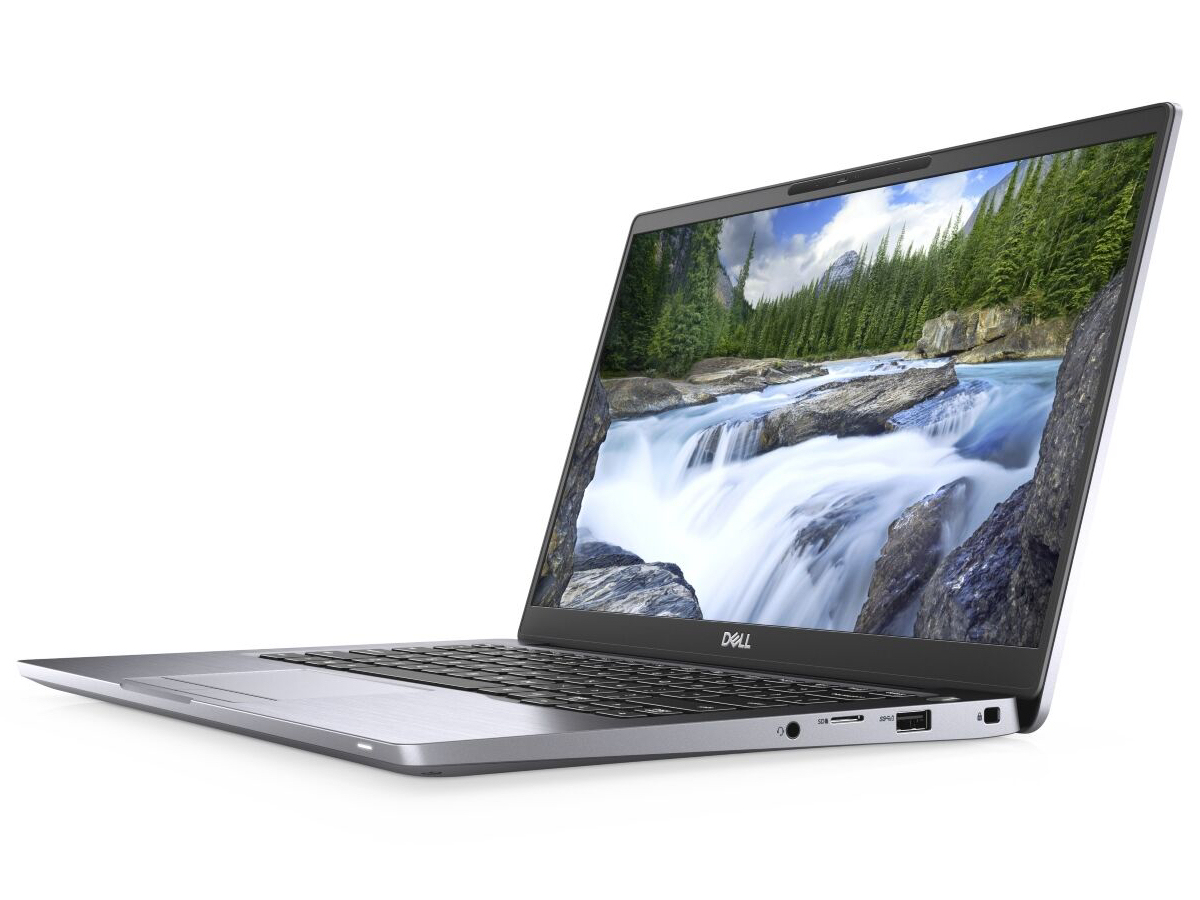
PC Laptop – 14″ Dell Pro 14 Plus
| Processor | Intel Core Ultra 7225U processor |
|---|---|
| RAM | 16gb |
| Storage | 512gb ssd |
| USB ports | 4 (2 USB-C (Thundebolt 4), 2 USB-A (3.2)) |
| External monitor support | up to 2 via one HDMI and USB-C or optional USB-C dock |
| DVD-R drive | no (USB DVD drive available at additional cost) |
| webcam and microphone | yes, integrated |
| SD card reader | none |
| Weight | 3.09 pounds |
| Approximate price | around $1628 including tax |
More storage – request a quote
More memory (RAM) – request a quote
Faster processors – request a quote
adapter to connect to VGA projectors or external monitors that don’t have HDMI – $16 extra
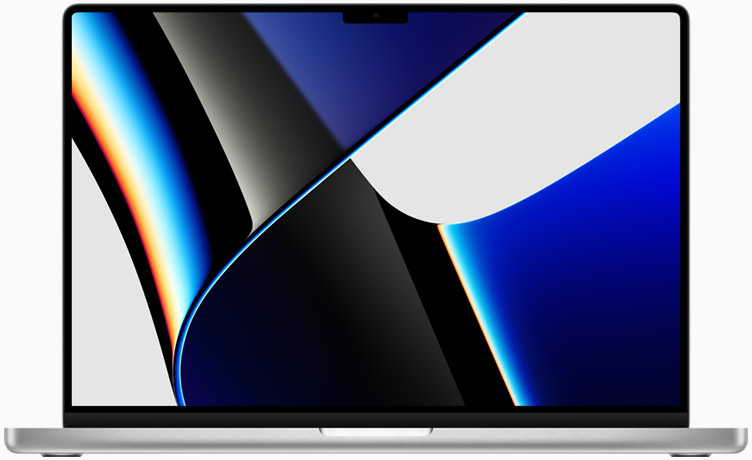
Mac Laptop – 14″ MacBook Pro
| Processor | 10-core CPU/10-core GPU M5 |
|---|---|
| RAM | 16gb |
| Storage | 1TB ssd |
| USB ports | 3 (Thunderbolt 4 / USB 4) |
| External monitor support | 2 using HDMI port and USB-C to HDMI adapter |
| DVD-R drive | none |
| webcam and microphone | yes – 1080p video, high quality microphone and audio |
| SD card reader | yes |
| Weight | 3.4 pounds |
| Approximate price | $1738 including tax |
16″ model is also available
More storage – up to 8tb depending on model – ask for price
More memory – up 128gb depending on model – ask for price — note that the M5 chip uses memory very efficiently and 16gb is enough for most uses
Standard Desktops – Exception required if chosen for Lifecycle
Desktop computers are generally not recommended for most positions. If you require a desktop, contact us to discuss the exception process.
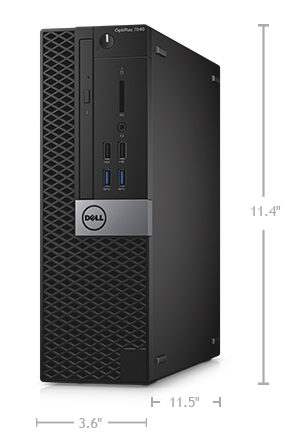
PC desktop – Dell Optiplex 7020 Small Form Factor Plus
| Processor | 10-core i7 (14th generation) |
|---|---|
| RAM | 16gb |
| Storage | 512gb ssd |
| USB ports | 10 (4 USB 2.0, 5 USB 3, 1 USB-C) |
| External monitor support | yes, via dual DisplayPorts |
| DVD-R drive | no |
| webcam and microphone | no (external available for purchase) |
| SD card reader | no |
| Approximate price | about $1062 including tax |
24″ monitor = approximately $150 extra
Larger solid state drive – 1tb (1000gb) SSD – ask for quote
More RAM – 32gb to 64gb – ask for quote
Faster processor – ask for options and quote
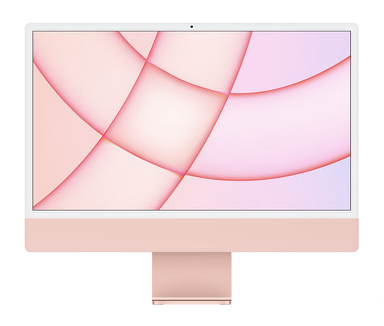
Mac Desktop – iMac (24″)
| Processor | 10-core M4 processor |
|---|---|
| RAM | 16gb |
| Storage | 512gb ssd |
| USB ports | 4 (2 USB 4, 2 USB 3, all in usb-c plug form |
| External monitor support | up to 2 via optional thunderbolt adapter(s) |
| DVD-R drive | no |
| webcam and microphone | yes, integrated |
| SD card reader | yes |
| Approximate price | $1582 including tax |
More storage – ask for price
More memory (RAM) – ask for price
Faster processor – ask for options and prices
Magic Trackpad instead of mouse – $54 extra
Rechargeable wireless keyboard with number pad – $32 extra (default keyboard is rechargeable without number pad)
USB C adapter for additional display – varies depending on your monitor. Ask for price